Email notifications in OneOrg.
OneOrg lets users receive relevant workspace updates through in-app and email notifications, while admins configure the provider and users control their notification preferences.
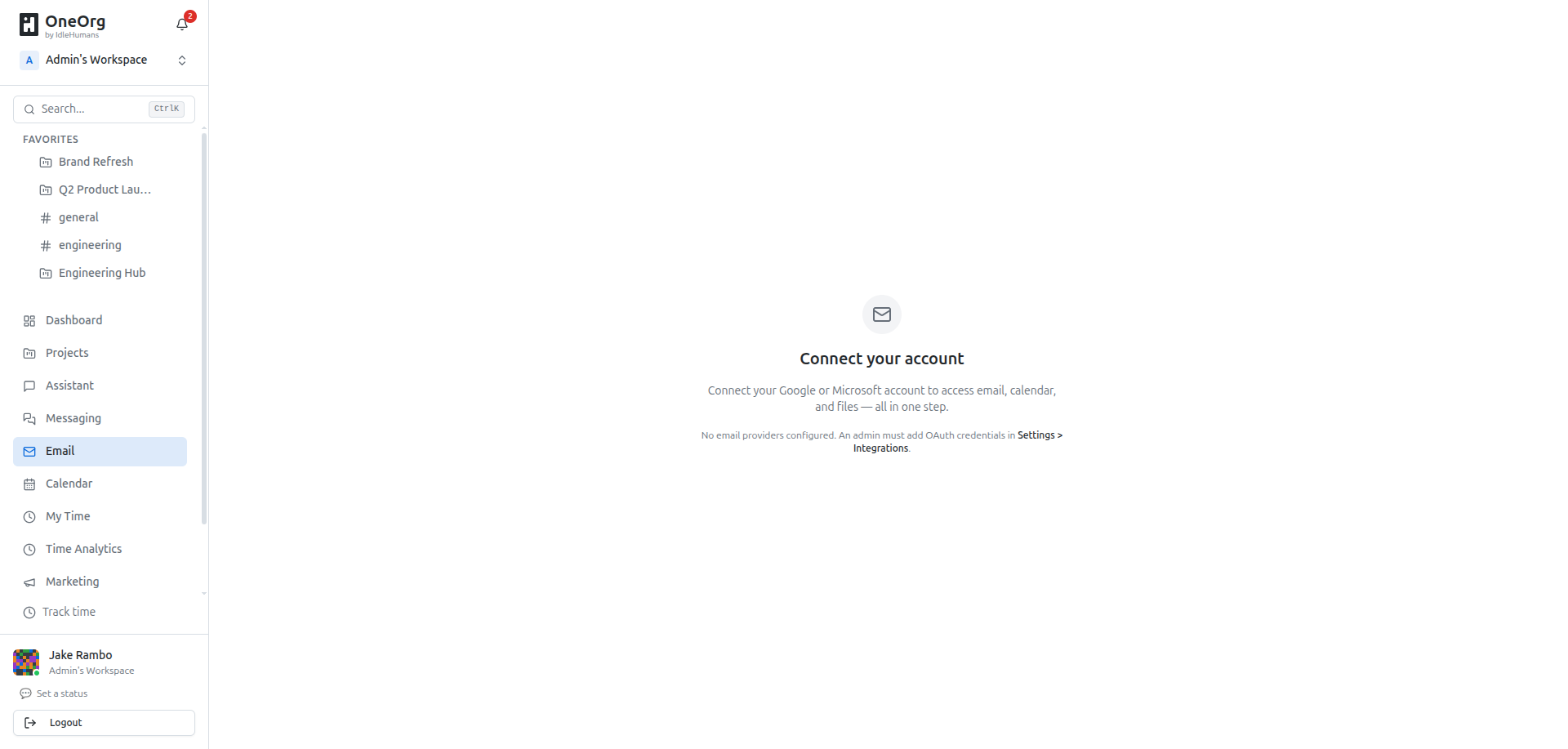
Notification setup
Notification behavior starts with user preferences. Each user can adjust which kinds of updates should reach them and which channels should be used. This keeps routine collaboration from turning into noise while still allowing important workspace events to reach the right people.
Admins configure the email provider that OneOrg uses to send messages. Once the provider is connected, OneOrg can send transactional email for things like invitations, task activity, comments, huddle activity, and other workspace updates. The user does not need to configure provider credentials personally.
OneOrg separates transactional notifications from broader marketing or campaign email. Notifications are tied to activity inside the workspace. Campaign tools are for managed audiences, contacts, and scheduled sends. Keeping those paths separate makes it clearer why a message was sent and who controlled it.
The practical setup is: admins configure the provider, users configure preferences, and OneOrg sends only the messages that match both the event and the user's choices.
That division matters. Provider setup belongs to the organization. Preference tuning belongs to the individual. Workspace activity decides whether there is a notification to send at all.
The clean setup is two-sided: admins make delivery reliable, users make attention useful. Admins should connect the provider, confirm invitation and transactional messages are sending, then document which updates OneOrg is expected to email. Users should tune preferences after they understand the workspace rhythm. Turning everything on creates noise; turning everything off moves coordination into private follow-up. Use email for updates that should survive missed app sessions, and use in-app notifications for activity users will handle while already working in OneOrg. If people complain about volume, fix the preference pattern before creating parallel communication habits.
Keep signal high
Use email notifications for updates that should reach a user even when they are not actively watching the app: invitations, task changes, comments, huddle starts, or other workspace activity. Use campaigns when the goal is an audience-based send rather than a personal workspace notification.
Do not use email as the only channel for urgent real-time collaboration. For live work, use in-app notifications, channels, or huddles. For sensitive operational steps, pair email with a governed workflow inside OneOrg.