Connected accounts for personal integrations.
OneOrg connected accounts work best when users treat them as personal authorization: connect only what they need, reconnect expired access, and keep organization settings separate.
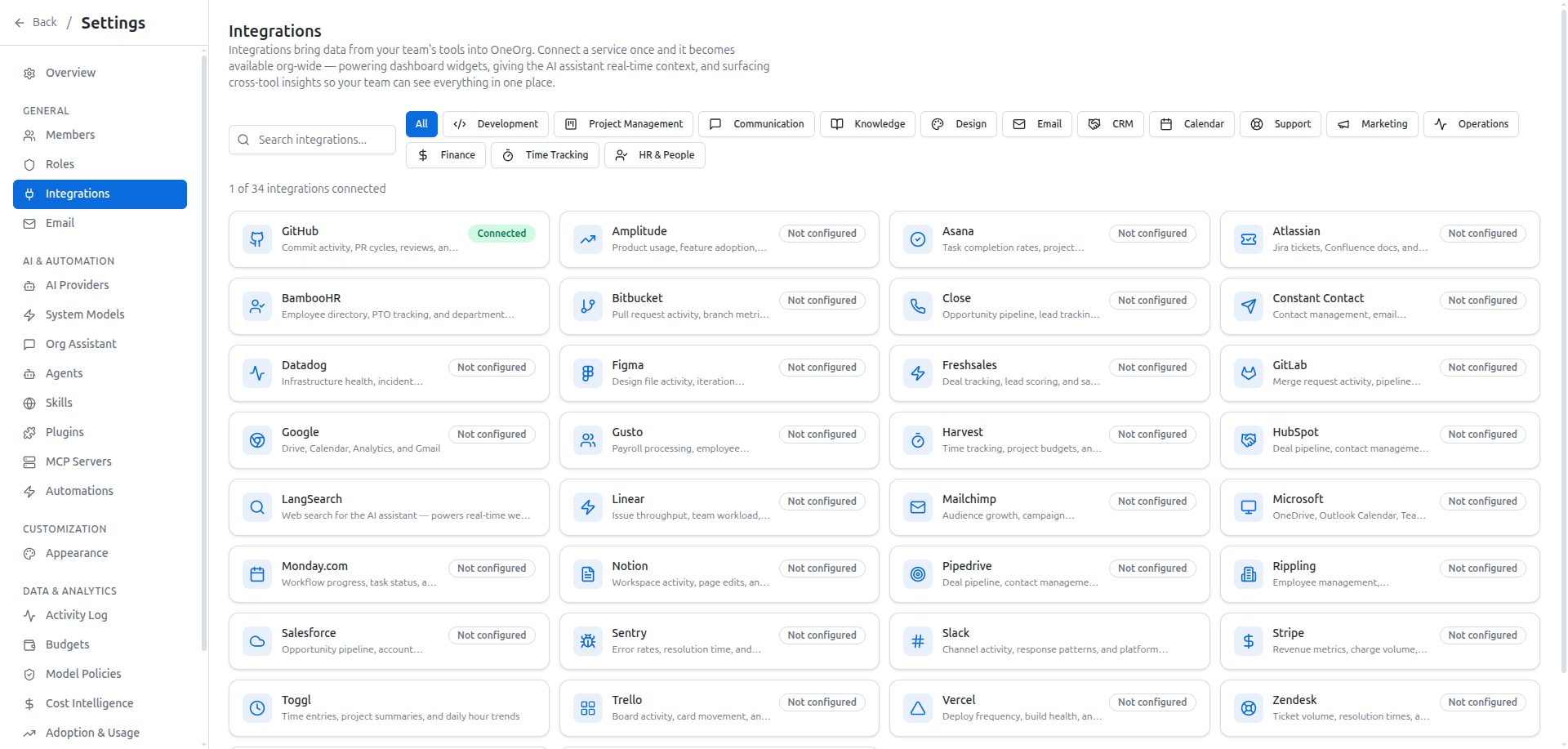
Personal authorization setup
Connected accounts live under account settings. Use this page to connect personal email providers such as Google, Microsoft, or Zoho Mail, and to authorize personal MCP connections that are available to the user.
Start by confirming whether the connection is personal or organization-wide. Personal email and user-authorized MCP connections belong here. Shared provider keys, organization MCP servers, and integration policy belong in organization settings. Mixing those boundaries makes troubleshooting harder.
When a feature tied to a personal provider stops working, check this page before changing organization settings. The connection may be missing, disconnected, or expired. Reconnect the personal account when authorization needs to be refreshed. Disconnect intentionally, because removing a personal account can affect features that depend on that user's access.
Personal authorization is not organization governance.
The best troubleshooting order is personal connection first, then provider status, then organization configuration. That order avoids changing shared settings for a user-specific authorization problem.
If multiple users need the same external capability, ask whether it should become an organization integration instead of repeated personal setup. That keeps personal troubleshooting from becoming shared configuration drift.
Use a simple review habit: if only one user can authorize the provider, treat it as personal; if a whole team depends on the connection, ask whether it belongs in organization settings instead. This prevents a shared workflow from depending on one person's expired authorization. Before disconnecting an account, check which workflows depend on it. If the same reconnection problem keeps recurring, document the owner and escalation path rather than letting each user rediscover the boundary alone.
Troubleshooting boundary
Use connected accounts when a user needs to authorize OneOrg to work with their own email account or personal MCP connection. Review this page during account troubleshooting and before assuming a shared configuration is broken.
Do not use connected accounts to add organization-wide provider keys, global MCP servers, or shared integration rules. Those belong in organization settings and should be governed by admin roles.