Project labels for task organization.
OneOrg labels are most useful when teams keep them small, named after shared vocabulary, and reviewed as part of project cleanup.
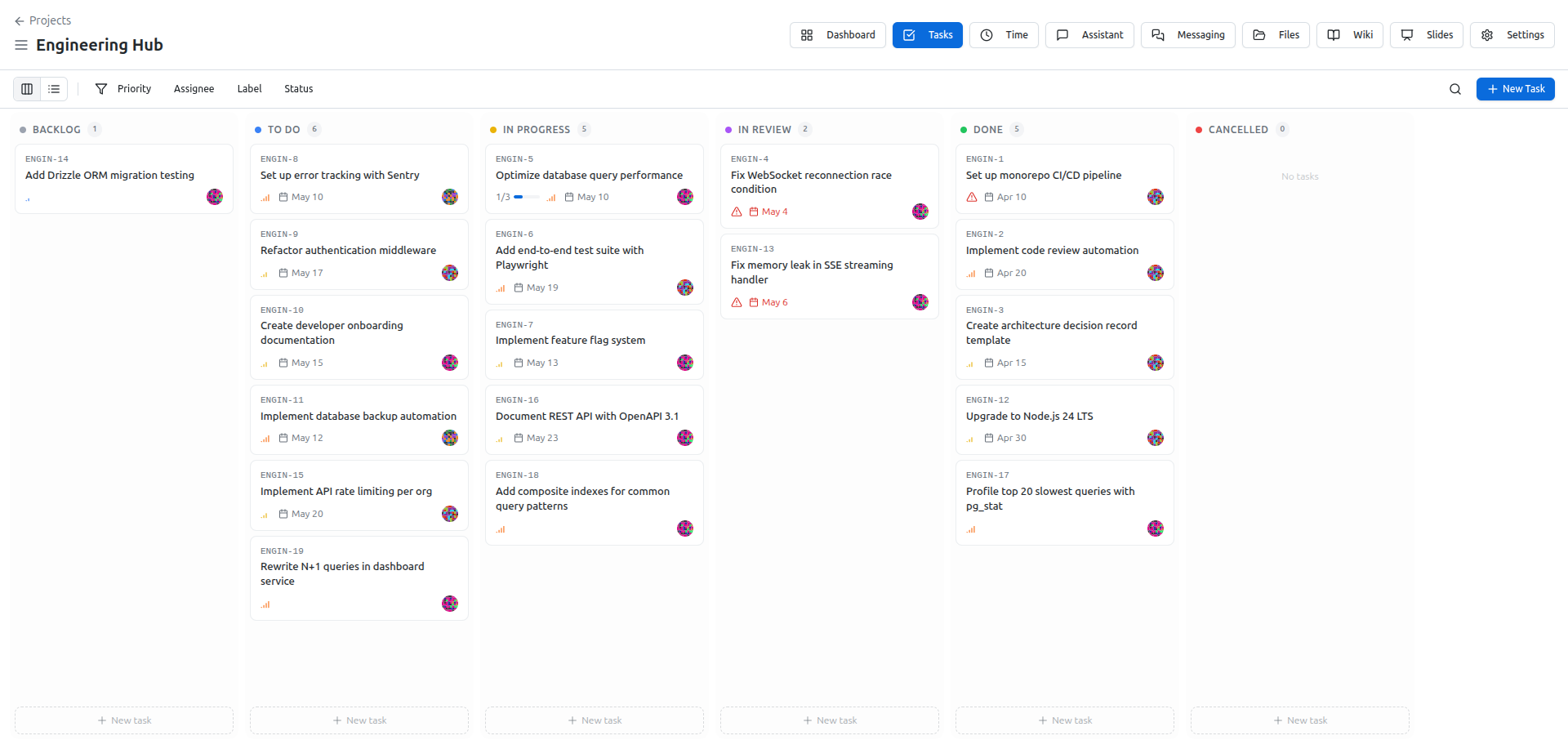
Create a usable label set
Manage labels from project settings. Each label has a name and a color. Create labels for categories the team repeatedly needs to scan, filter, or report on: work type, client area, team responsibility, priority band, or review track. If a label is only useful once, it probably belongs in the task description instead.
Name labels for meaning, not decoration. The color helps scanning, but the name should still make sense without the color. Keep the set short enough that users can choose quickly. Too many labels turn classification into another chore and make dashboards harder to read.
Review labels during project cleanup. Merge or remove categories the team no longer uses. Deleting a label detaches it from tasks, so treat deletion as a taxonomy change, not just visual cleanup.
Labels are shared vocabulary for work.
A useful label set usually starts with five or fewer labels. Add more only when the team repeatedly needs a category for filtering, reporting, or dashboard review.
If users disagree about which label to choose, the label is too vague. Rename it or split it into clearer categories.
Use labels to make later filtering obvious. Before adding a label, ask what view, dashboard, or review it will improve. If nobody can answer, the label is probably decoration. Keep priority, status, ownership, and work type separate unless the project has a deliberate reason to combine them. Mixed labels like Urgent design client are hard to reuse and harder to report on. When labels become noisy, clean the taxonomy before building more dashboards around it.
Keep the taxonomy clean
Use labels when a team needs task categories that cut across assignee, status, or due date. They are useful for triage, reporting, dashboard widgets, and scanning a task list without opening every item.
Do not use labels for permissions, ownership, or lifecycle state. Use roles for access, assignees for responsibility, and task status for progress. Labels should describe the work, not govern who can touch it.