Extensions and plugins for OneOrg.
OneOrg uses extensions to add new capabilities to a workspace, such as extra settings panels, widgets, or specialized workflows, without changing core product behavior.
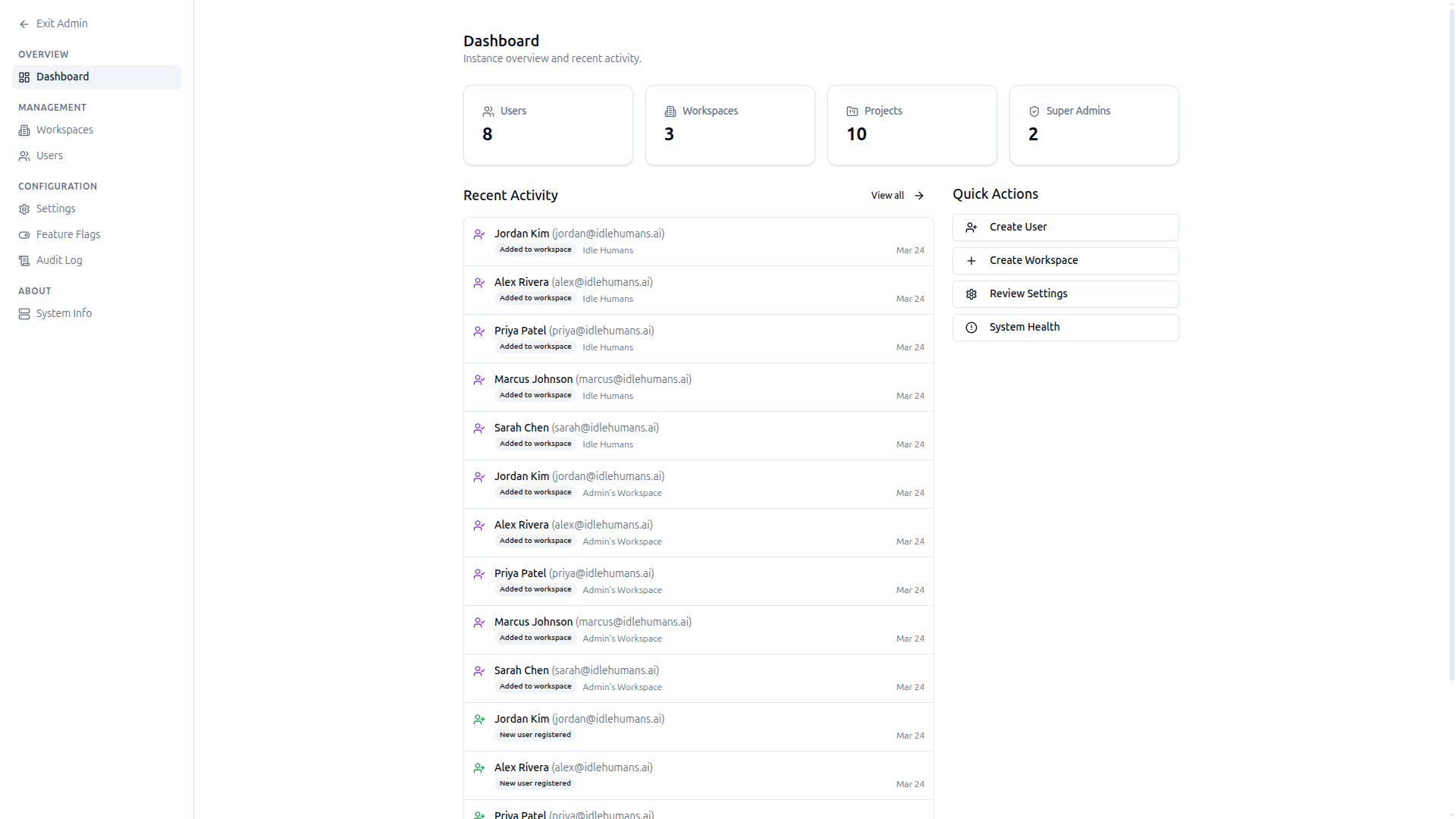
Add capabilities beyond the base platform
Use extensions when you need a behavior that does not already exist in OneOrg but fits your organization’s processes. Extensions can:
- Add new pages or settings panels.
- Introduce widgets that appear on dashboards.
- Integrate additional workflows or tooling.
Use them when:
- The need is organization-wide and long-lived.
- You want to avoid custom forks and keep upgrades safe.
Keep them focused:
- A good extension supports one coherent capability (for example, a new reporting view, a specialized approval flow, or a domain-specific dashboard widget).
- If it starts bundling unrelated features, split it into multiple smaller extensions.
Use extensions like governed toolboxes
Treat extensions as shared infrastructure, not as personal shortcuts.
Practical guidance:
- Name the extension after the business capability it exposes.
- Document what it changes and what it depends on.
- Limit access by role if the extension exposes sensitive functionality or data.
- Test with a small group or pilot project before enabling it across the organization.
If an extension duplicates something already available in OneOrg, remove it instead of layering habits.
When to use extensions
Use extensions when:
- You need to extend the platform with a repeatable capability that many users or teams depend on.
- You want to centralize configuration, policies, and updates in one place.
Avoid using extensions when:
- A built-in feature already covers your use case.
- You are trying to implement a one-off hack that only one team needs temporarily.
If you are unsure, implement a narrow extension, evaluate it, then adjust before broad rollout.
Use extensions when your organization needs a stable, shared capability beyond the base platform. Document each extension’s purpose and maintenance owner. Review extensions annually: remove anything that duplicates built-in behavior, slows the system, or has no active users. If an extension only one team uses, consider whether it belongs as a project skill instead of an org-wide feature. Keep the platform clean: a good extension set is small, intentional, and well-maintained.