Coding agent design workflows.
OneOrg helps users turn rough ideas into configured agents and dashboard widgets through guided AI design flows, then asks them to review and save the result before it becomes part of a project or dashboard.
Design before saving
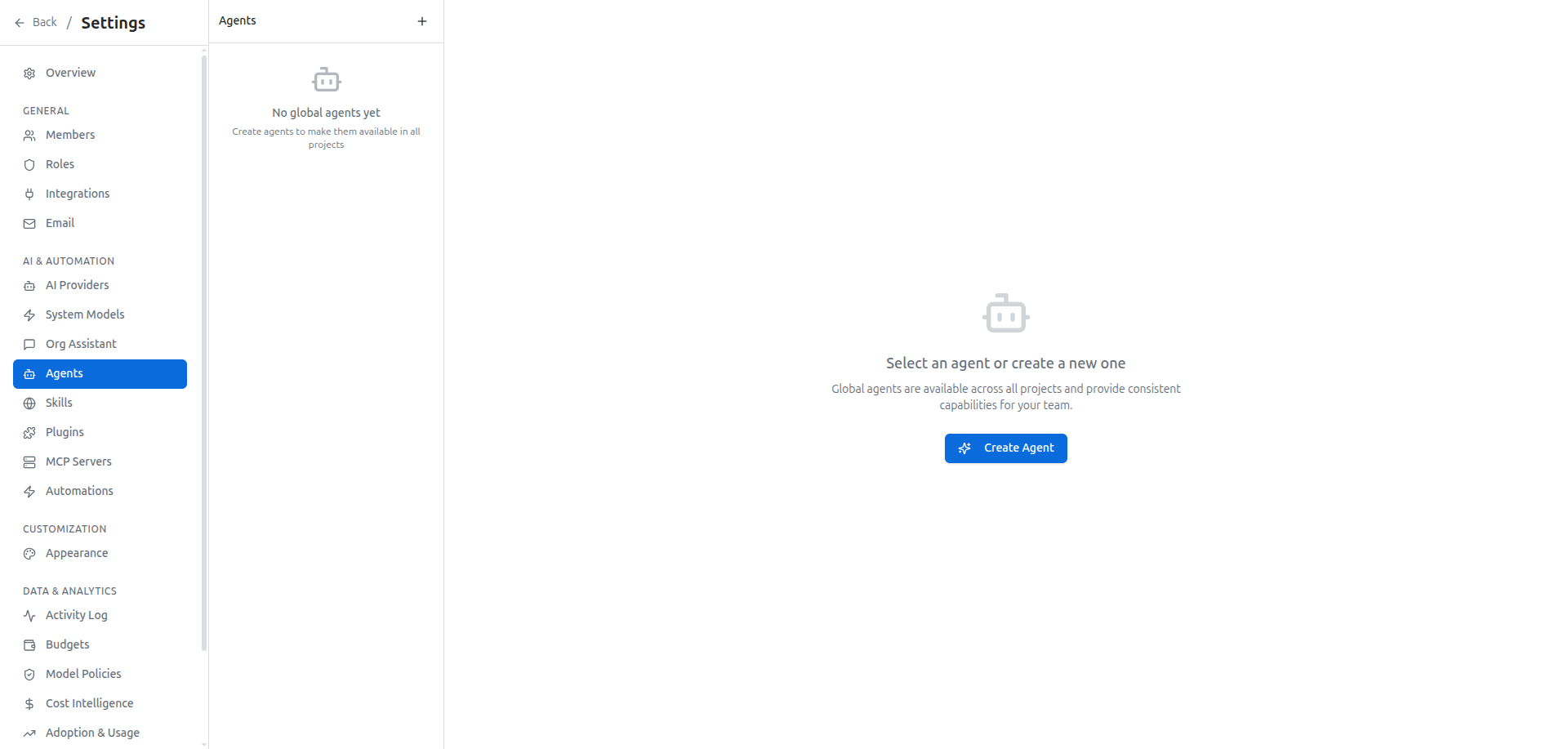
In OneOrg, users can create agents from the project agents area or from the global agents area, depending on whether the agent should belong to one project or be available more broadly. The creator offers AI and manual modes. AI mode is for describing the role you want in plain language, such as a code review agent, a documentation agent, or a testing agent. Manual mode is for users who already know the exact name, description, and instructions they want to write.
The AI flow behaves like a design conversation. It can ask focused follow-up questions when the agent's purpose or trigger is unclear, shows progress while it works, and presents the generated agent before it is saved. Users can review the agent's name, description, and body instead of accepting a hidden result.
OneOrg uses the same pattern for dashboard widgets. From a dashboard, users can open the AI widget designer, describe the widget they want, and review the generated widget before adding it to the board. The interface supports practical requests like a metric, chart, table, text block, or data-backed widget connected to available MCP tools.
The important pattern is review before persistence.
The strongest pattern is to design the workflow before asking OneOrg to generate the artifact. For an agent, write the role, trigger, expected output, and review rule in plain language first. For a widget, write the question the dashboard needs to answer and the decision it should support. Then use the AI flow to draft the configuration and review the result against that intent. Do not save generated work just because it looks complete. If the output will be reused, pair it with project instructions or a skill so the surrounding context stays visible to the team.
Use generation as a reviewable draft
Use these workflows when the user knows the outcome but does not want to configure the artifact from a blank screen. They are useful for scoped agents, project assistants, dashboard views, and widgets that need to start from a natural-language description.
Do not use them to bypass governance. Admin access still controls who can create project agents. Global agents are managed separately. Model assignments determine which model OneOrg uses for agent or widget generation. Widget-type permissions determine which generated widgets a user can add to a dashboard. If the user needs a repeatable procedure instead of a persona, create a skill rather than an agent.